
Key Takeaways
- Public changelogs improve feature adoption, reduce support tickets, and build customer trust.
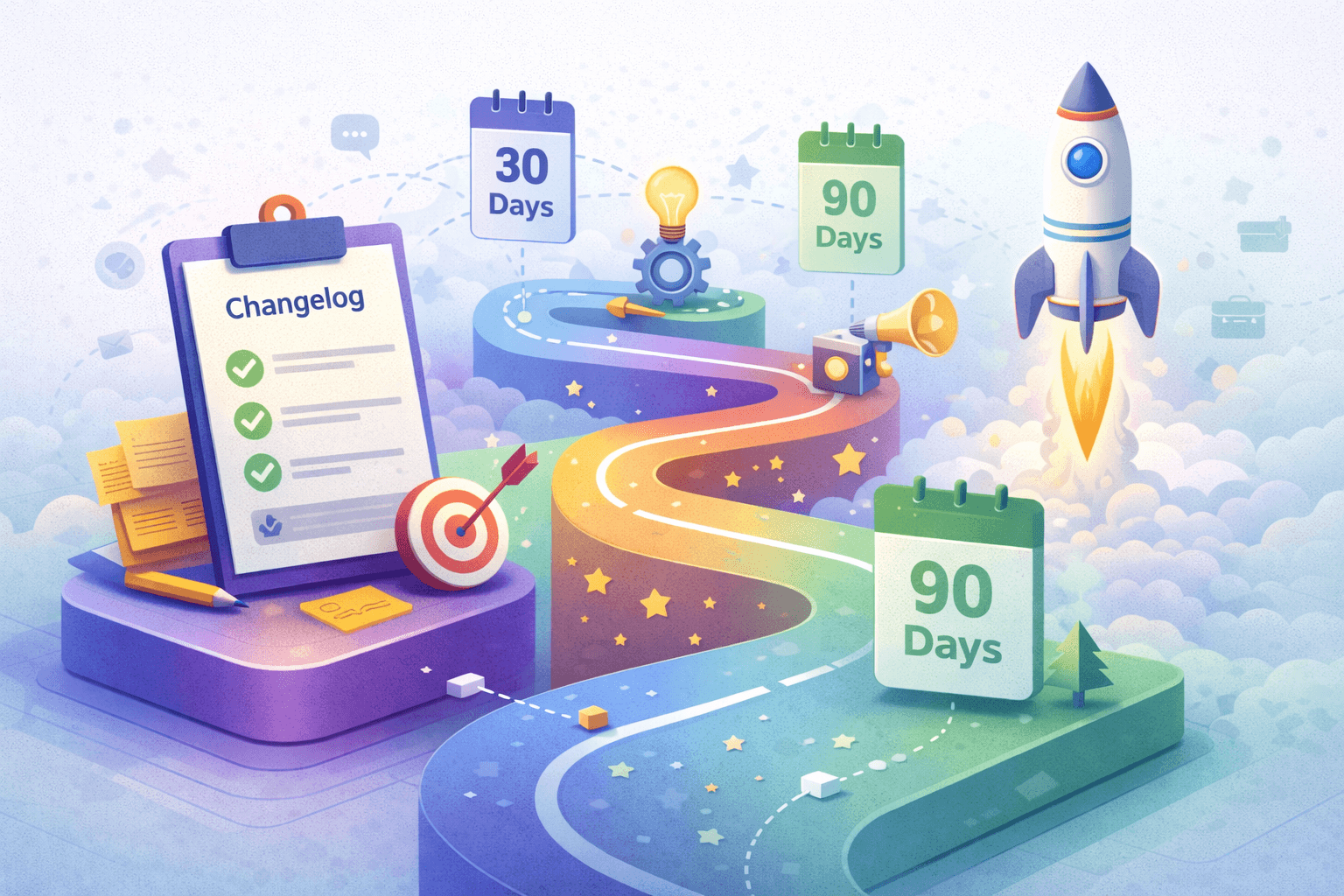
- A structured 90-day plan ensures a seamless launch.
- Consistency, user-focused updates, and feedback are key to long-term success.
Why Public Changelogs Matter for Early-Stage Startups
Building a startup is chaotic—managing product development, acquiring customers, and keeping everyone in sync. One tool that can cut through the noise is a public changelog.
A public changelog helps you:
- Show transparency: Build trust by sharing what you’re improving.
- Drive feature adoption: Keep users engaged with regular updates.
- Reduce support tickets: Address common questions before they arise.
Quick Stats: Why Changelogs Work
- 25% higher feature adoption: Startups using changelogs see better engagement with new features (SaaS Study, 2023).
- 15% improved retention: Users stay loyal when they feel informed.
- 20% fewer tickets: Proactively sharing updates reduces customer complaints.
This 90-day plan will show you how to launch a changelog that users actually read, covering setup, promotion, and iteration.
Day 0-30: Setting Goals, Choosing Tools, Writing First Entries
The first month is crucial for laying a solid foundation.
1. Set Clear Goals
Define what you want your changelog to achieve.
Examples:
- Increase feature adoption by 20% in 6 months.
- Reduce repetitive support tickets by 15%.
- Establish transparency to build user trust.
2. Choose the Right Tool
Pick a tool that aligns with your needs and budget.
| Tool | Best For | Cost |
|---|---|---|
| SimpleDirect | Distributed teams, feature segmentation | Starts at $39/month |
| Beamer | Website/app changelog embedding | Starts at $49/month |
| Headway | Lightweight, simple changelog creation | Free plan available |

Tip: Choose tools that integrate with your email, Slack, or app notifications for seamless communication.
3. Write Initial Entries
Start with 3-5 engaging posts before launching. Focus on updates that:
- Solve user pain points.
- Highlight new features or fixes.
- Preview upcoming changes.
Example Entry:
- Title: "Exciting Update: Advanced Reporting is Here!"
- Date: December 15, 2025
- Details: “You can now generate customizable reports with filters for better insights. Available in all plans starting today!”
Day 31-60: Gaining Subscribers & Training Your Team
This phase focuses on promoting your changelog and getting your team onboard.
1. Promote Your Changelog
Make your changelog easy to find:
- Add a “What’s New” link to your website or app.
- Include it in onboarding emails for new users.
- Share updates on social media (LinkedIn, Twitter).
- Announce it via email blasts to your subscribers.
Pro Tip: Use in-app notifications to highlight major updates.
2. Train Your Team
Ensure your team understands how to use the changelog:
- Product Teams: Use it to communicate feature launches.
- Customer Support: Reference updates to reduce ticket volume.
- Marketing: Share updates in campaigns to drive engagement.
Day 61-90: Driving Engagement & Iteration
By now, your changelog is live. The focus shifts to engaging users and measuring success.
1. Keep Your Changelog Active
Consistency is key. Aim to post 2-3 updates per month.
Tips for Better Engagement:
- Use screenshots or GIFs to showcase updates.
- Add CTAs like “Try this feature now!”
- Encourage feedback with a comment section or feedback form.
2. Measure Success
Track these metrics to see what’s working:
| Metric | Why It Matters |
|---|---|
| Pageviews | Are users visiting your changelog? |
| CTA Clicks | Are users engaging with updates? |
| Feature Usage | Are users trying the features you announce? |
| Support Ticket Volume | Have repetitive questions decreased? |
Example:
“After launching our public changelog, 60% of users clicked to explore the new reporting feature, and support tickets about reporting dropped by 25%.”
3. Iterate Based on Feedback
- If engagement is low, test shorter posts or video demos.
- Improve visibility by promoting your changelog more prominently.
Common Pitfalls & How to Avoid Them
- Irregular Posting: Infrequent updates can make users lose interest.
- Solution: Create a posting schedule with reminders.
- Overloading Users: Avoid overly technical or irrelevant details.
- Solution: Focus on updates that directly impact your users.
- Ignoring Feedback: Treat your changelog as a two-way communication tool.
- Solution: Actively ask for and respond to user feedback.
Template: First 3 Changelog Posts
Here’s a simple template to start strong:
Post 1: Feature Launch
- Title: “Introducing [Feature Name]”
- Details: Explain the problem it solves and how to use it.
Post 2: Bug Fixes
- Title: “Bug Fixes and Performance Improvements”
- Details: Summarize top fixes and enhancements.
Post 3: Roadmap Update
- Title: “What’s Coming Next?”
- Details: Share a sneak peek of upcoming features.
Checklist: Changelog Launch Milestones
Use this checklist to stay on track:
- Set clear goals for your changelog.
- Choose and set up your changelog tool.
- Write and publish 3-5 initial entries.
- Promote your changelog on your website, social media, and email.
- Train your team to use the changelog effectively.
- Measure engagement and iterate based on feedback.
Next Steps: Download the 90-Day Launch Plan
Ready to launch your changelog? Download our 90-Day Changelog Launch Plan for templates, tips, and a step-by-step guide to help you succeed.
By following this plan, you’ll not only ensure a smooth launch but also create a communication channel that drives engagement, builds trust, and grows your product’s impact.