
Key Takeaways
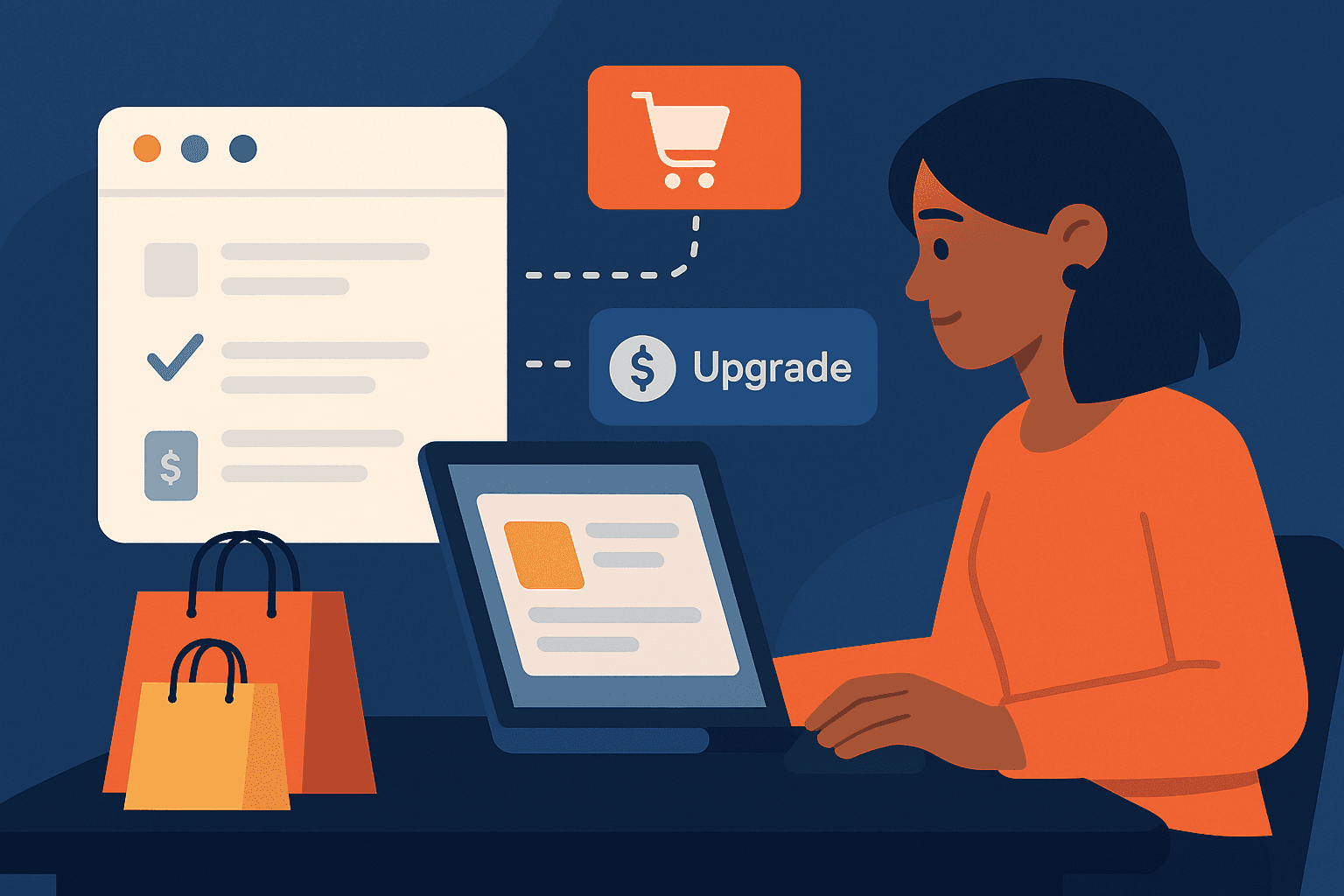
- Your changelog is a real marketing channel—don’t treat it as mere documentation
- Use feature launches to drive upsells and cross-sells with clear, targeted CTAs
- Track attribution like any growth campaign (UTMs, analytics, surveys)
- Align product, marketing, and CS so every update is on-message and ROI-driven
Your Biggest Underutilized Marketing Asset
If you still treat your changelog as an afterthought, you’re leaving money on the table.
Most SaaS teams use changelogs just to tell users “something changed.”
But top-performing product and marketing leaders know the truth:
Your changelog is a hidden marketing channel that can drive real revenue—if you use it right.
Studies show that changelog announcements drive up to 22% of SaaS upsell conversions when paired with a strong call-to-action and clear benefit messaging.
Today, we’ll show you how to turn routine product updates into a growth lever—complete with templates, real examples, and attribution tricks.
Turning Routine Updates into Revenue Opportunities
Every feature release, UI tweak, or new integration is a chance to:
- Show users new value
- Highlight features they don’t have yet
- Tempt them to upgrade, expand, or try add-ons
Routine changelog = wasted potential
Changelog marketing = upsell engine
Let’s break down how top SaaS teams use changelogs to:
- Announce new paid features and inspire upgrades
- Cross-sell add-ons (e.g., “Enable AI Reports” for a fee)
- Reduce churn by proving constant product momentum
Examples: Feature Announcements That Convert
1. Upgrade to Unlock:
“We just launched Advanced Analytics! Upgrade to Pro for real-time dashboards.”
2. Cross-Sell Add-On:
“New: Stripe Integration available—activate now to automate your billing. (Requires the Payments module)”
3. Tease Locked Features:
“You’re seeing this because you’re on our Basic plan. Want to try File Export? Unlock it with Starter+.”
4. Invite Trials:
“Test drive Priority Support for 7 days—one click to activate in your dashboard!”
Real Example (SimpleDirect):
Before:
Added workflows for auto-tagging support tickets.
After:
New for Growth & Pro users:
Automate your support! Workflow tagging is now live. Upgrade to Growth to unlock.
Result: 18% increase in trial-to-paid conversions from the changelog audience.
CTAs in the Changelog – What Works Best?
Not all CTAs were created equal. Based on 2024 SaaS benchmarks:
- Direct path: “Upgrade Now” or “Enable in Settings”
- Personal incentive: “Try for Free” or “Get 50% Off This Month”
- Social proof: “Join 3,000 teams using Advanced Exports”
Tip: Add one clear CTA per feature announcement. Use bold buttons if your changelog supports it.
Tracking Upgrade/Upsell Attribution to Changelog
How do you prove your changelog converts?
Tips for SaaS teams:
- UTM tag your changelog CTAs:
Example:?source=changelog&utm_campaign=upgrade_feature - Use in-app event tracking to monitor clicks and follow-on upgrades
- Link changelog reads to customer profiles in your product analytics tool
- Survey “What motivated you to upgrade?” and look for changelog as an answer
SimpleDirect customers have seen:
- 12–20% of paid upgrades cite a changelog entry as their discovery path
Template: Write a Changelog Entry That Sells
Copy & paste this for your next upsell/cross-sell:
🚀 New: [Feature Name] is now live!
[Give one sentence of benefit: “Save 4+ hours every week with one-click [task] automation.”]
How to access:
[Upgrade to Pro now] or [Try this add-on feature free for 14 days]
Not sure if it’s right for you? See full feature comparison or chat with a product expert.
How to Align Product, Marketing, and CS on Updates
The best changelogs aren’t made in a silo. Here’s how high-growth teams do it:
- Product pitches the “why now” and benefit
- Marketing writes CTA copy and tracks conversion
- Customer Success targets users most likely to benefit (think: segments, lifecycle emails)
- Review as a squad: Set a cross-functional “changelog review” every launch
Pro tip: Tag entries by audience:
- “For all” (improvements, bug fixes)
- “For Pro users” (paid features, high-value add-ons)
- “For Admins” (security, compliance related)
This ensures users actually see—and act on—your updates.
CTA: Get Our Changelog Marketing Playbook
Want plug-and-play templates, attribution dashboards, and case studies from teams driving 20%+ upgrade lifts through changelogs?
Download the SimpleDirect Changelog Marketing Playbook Now
Or start your free trial to see how easy changelog-driven upsells can be.